
Interactive Real Estate Presentation Templates
Choose a presentation design that fits your property. Explore ten layouts, preview them on mobile and create an interactive experience from your available content.
Open a working menu or try Mobile preview below each design. All samples use the same illustrative photography, not a current listing. Your own presentation uses only the content you add. For help comparing layouts, read how to choose a real estate presentation template.
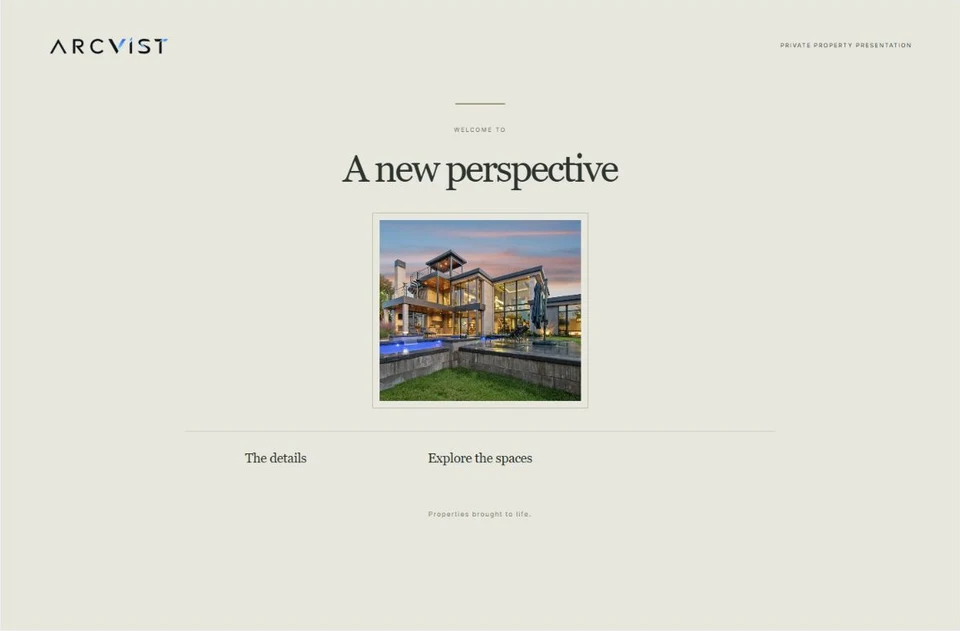
A formal portrait, elegant serif title and a balanced index.
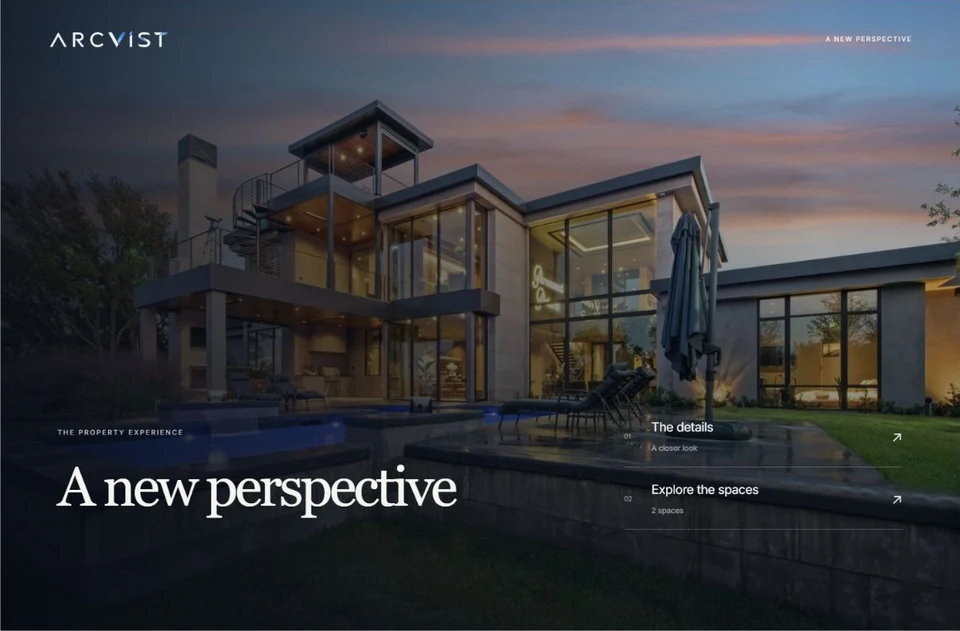
A full-width property photograph with a numbered menu over the scene.
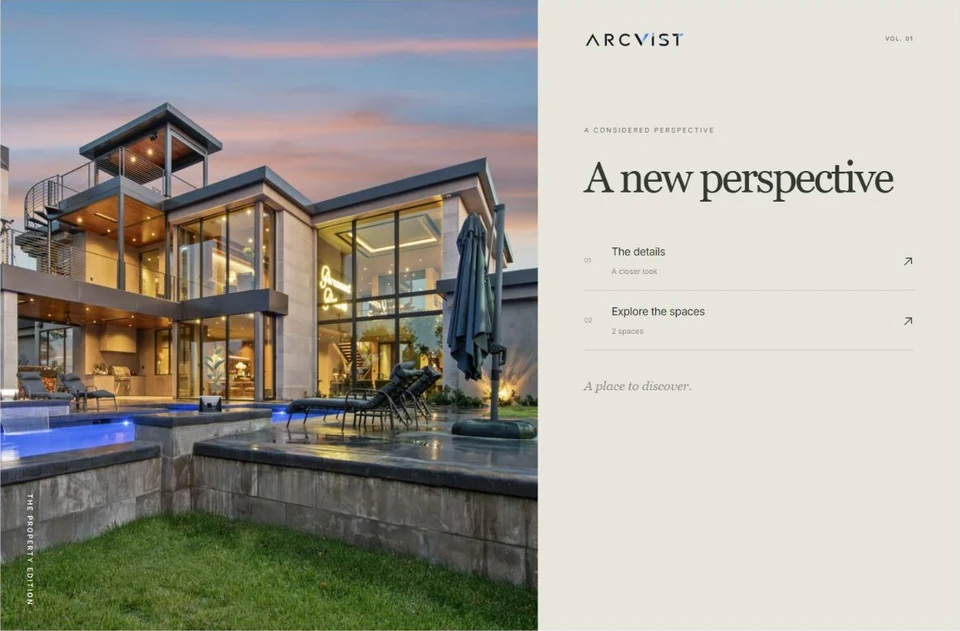
A generous photograph beside a quiet, magazine-style index of spaces and details.
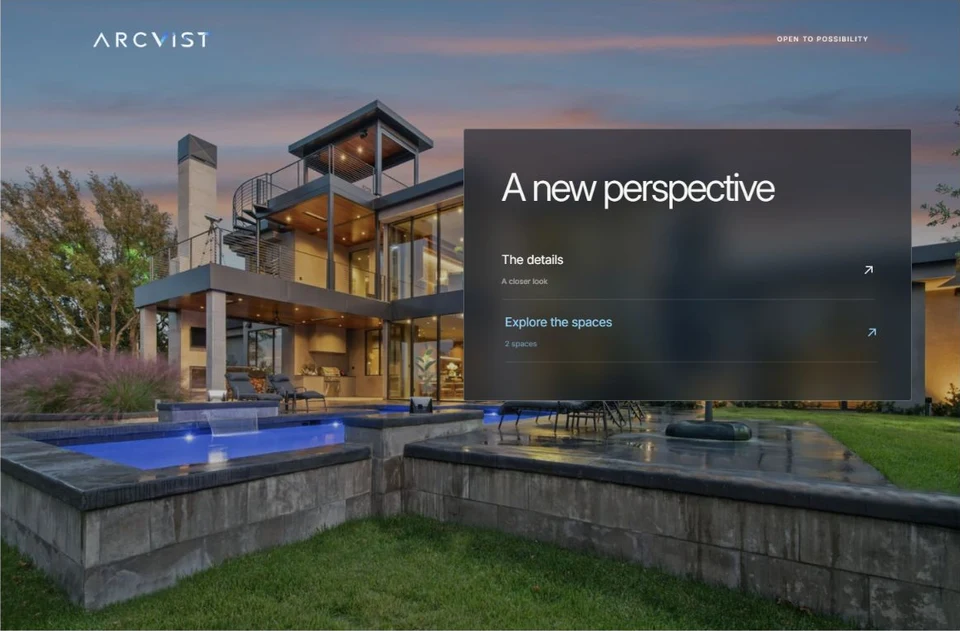
A translucent menu layered over your chosen property photograph.
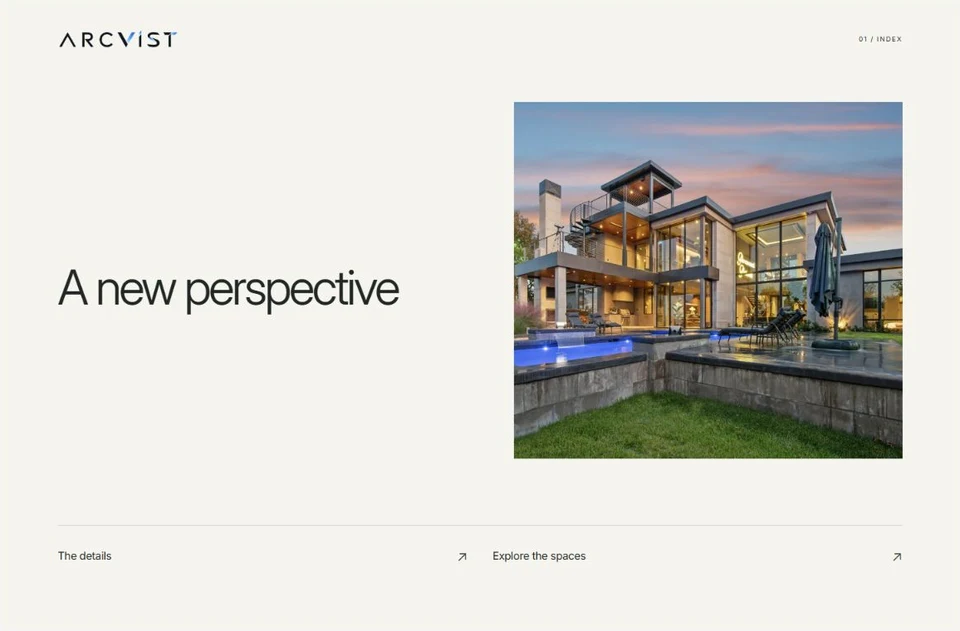
A compact photograph, light ground and a direct text index of available sections.
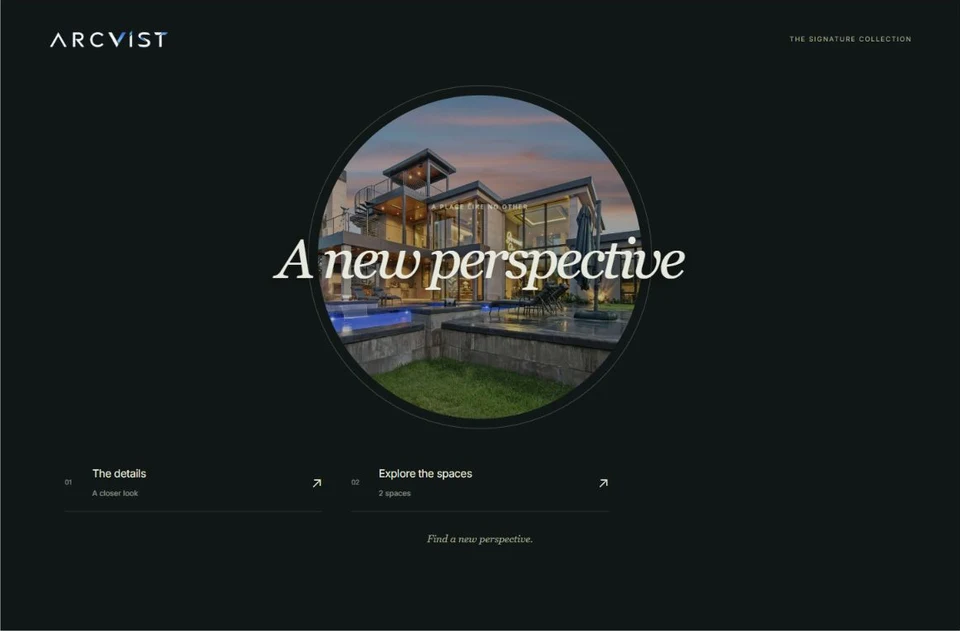
A circular property photograph with an italic serif title on deep green.
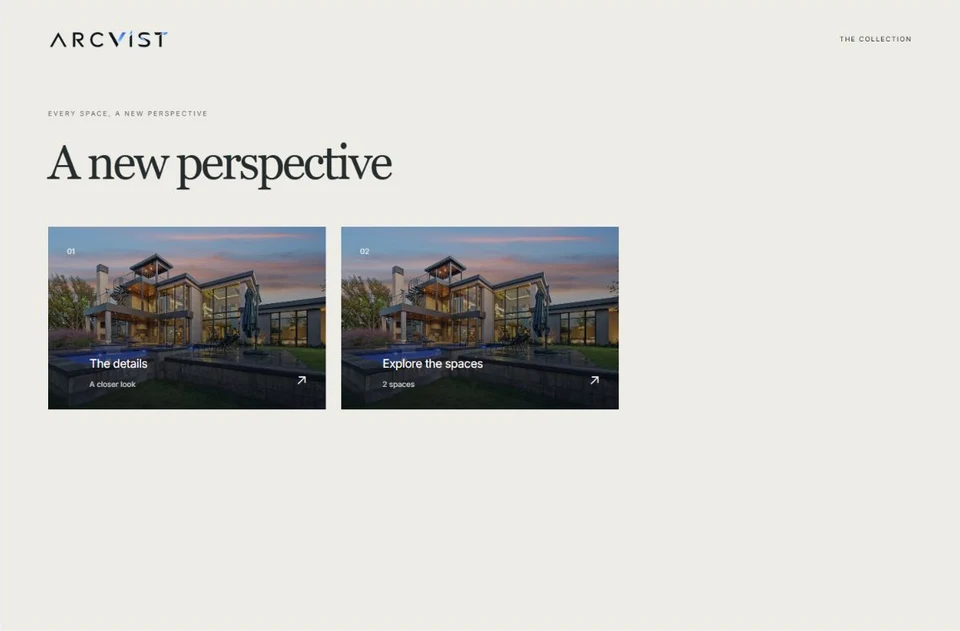
Photographic menu entries give visitors a visual route into the available sections.
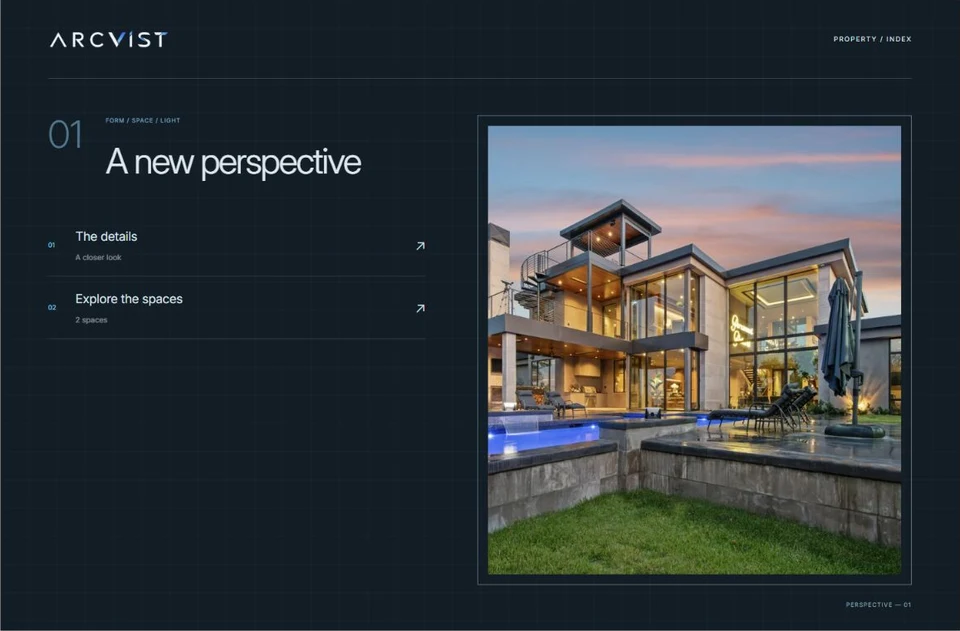
Precise framing, geometric navigation and fine blueprint lines.
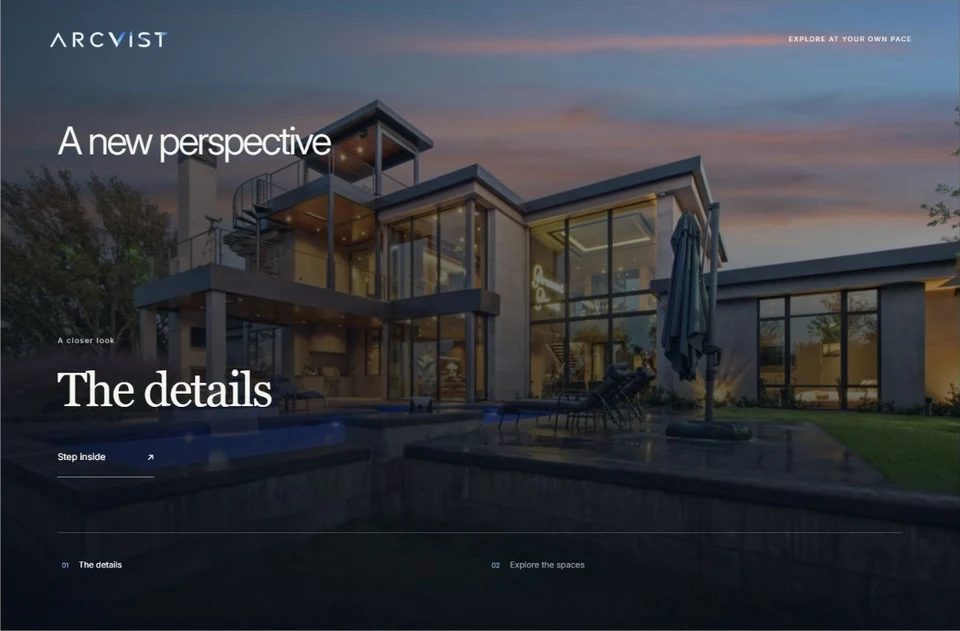
Explore a full-screen image through a focused navigation rail.
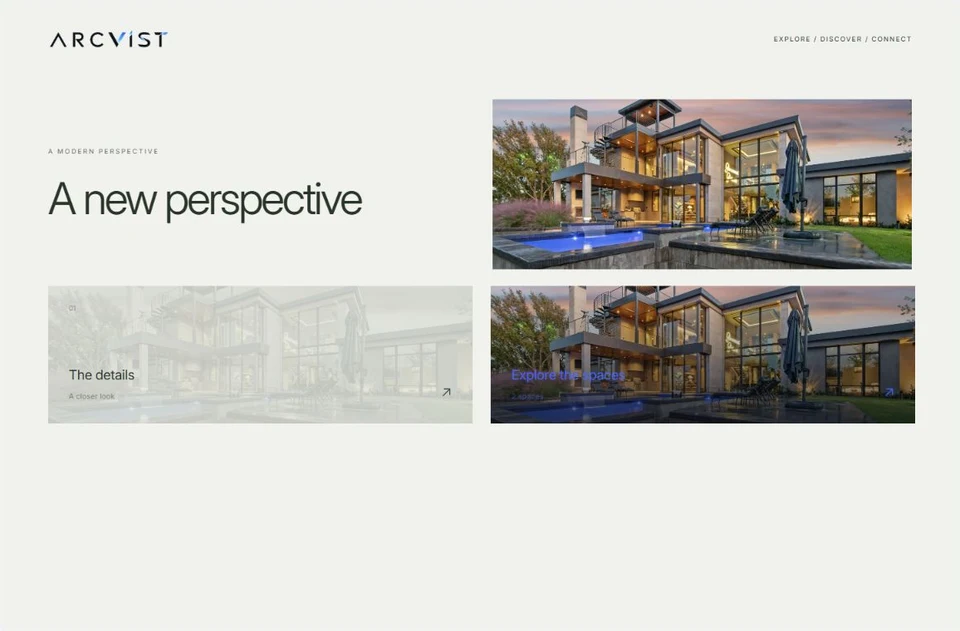
An adaptable modular composition of visual navigation blocks.
Prepare your photos before you choose.
A clear set of room photographs makes it easier to compare designs. Use our listing media checklist to organise rooms, check supplied plans and review the mobile experience.
Learn how these designs become a single property website you can share.