
A Better Way to Present Every Property.
Turn your property photos and details into a beautiful interactive presentation. Choose a design, organise the spaces and share one link. No design skills required.
A single property website builder for real estate agents.
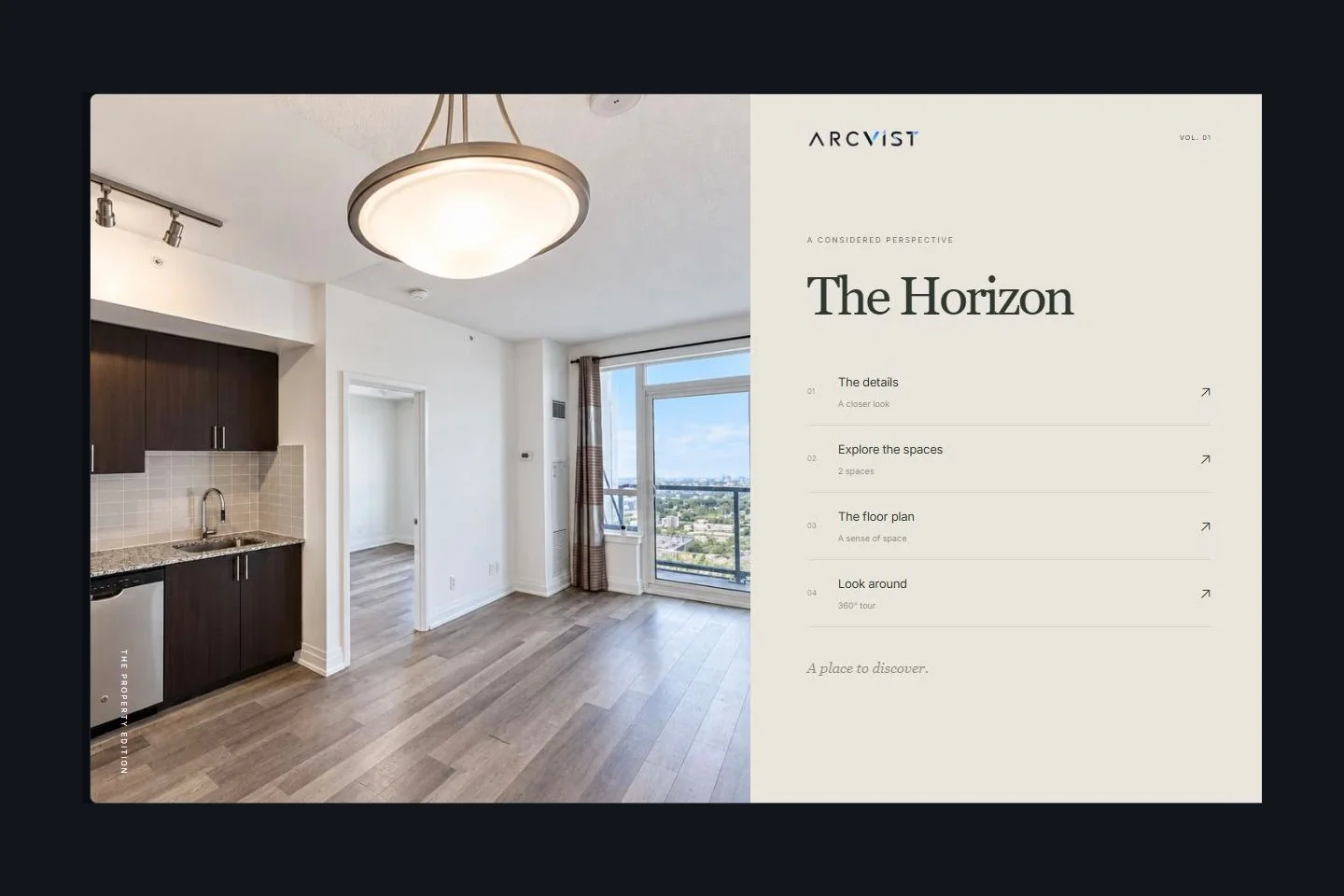
One property. A focused browsing experience.
A single property website gives one listing its own place online. An interactive property presentation lets buyers choose a room, inspect supplied plans or open an optional panoramic view.
A photo gallery presents images. Room navigation gives those images a place in the property.
A PDF brochure offers a fixed document to download or print. A presentation link opens a browser-based experience.
A brokerage website represents a business and its listings. Arcvist helps you present an individual property.
Arcvist publishes on a shareable Arcvist link. It does not provide an MLS feed, CRM, property valuation or custom-domain connection.
Compare a single property website with a PDF brochureFrom available content to one link.
Choose a Template
Compare ten menu designs. Pick the composition that suits your photographs.
Add Your Content
Organise photos by space. Property information, plans, panoramas and contact details are all optional.
Publish & Share
Preview the presentation, publish when ready and copy its link. You can edit later.
Let buyers choose where to look.
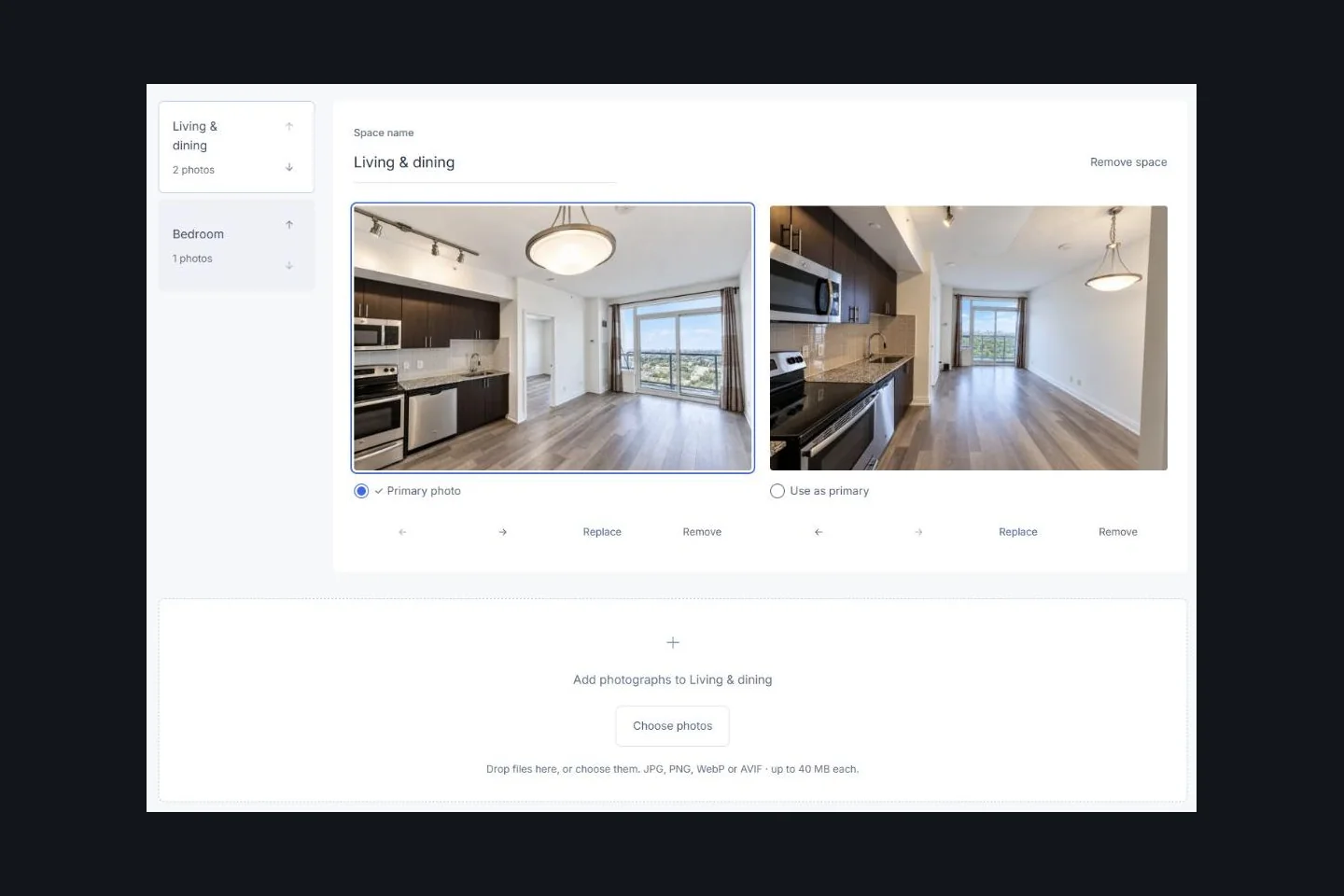
Give each space its own gallery.
The dynamic menu connects supplied property information, room galleries, floor plans, genuine 360° panoramas and public contact actions. Include the sections that help explain this property.
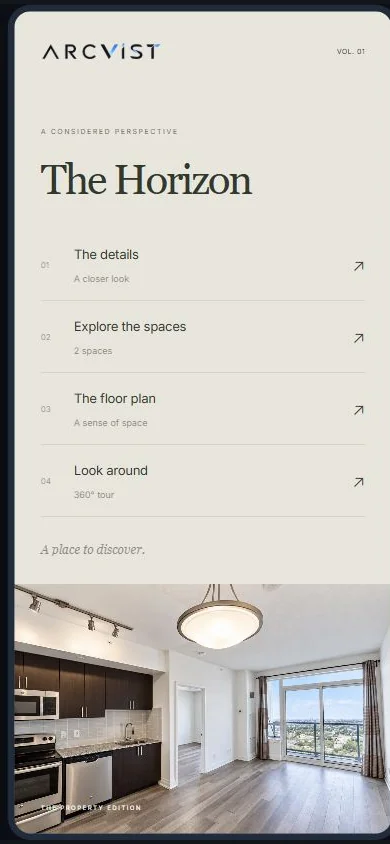
Buyers open the same shareable link on a phone or a larger screen.
Showcase an Entire House in One Interactive Presentation
Give the exterior, living areas, bedrooms and garden their own place. Enter floor labels manually in room names so buyers can follow a multi-storey house. Add supplied plans or genuine 360° views when available.
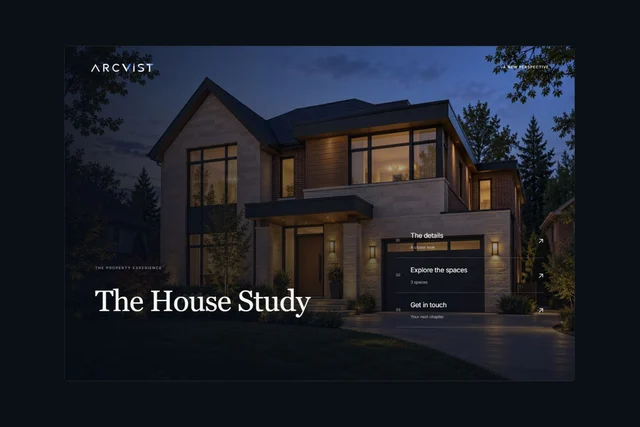
Illustrative house study. The exterior is AI-generated; interior references are from separate sample material. No active listing or customer case study.
The same space-based approach works for rentals and luxury properties. For shared building facilities, follow the condo presentation guide. See more workflows for Toronto agents or compare presentation templates.
Questions before you start.
Can I create a presentation without a floor plan?
Yes. Every property field and upload is optional. Start with available photos and add a plan later if you have one.
Do I need a 360° camera?
No. Ordinary photos work in room galleries. The optional look-around viewer needs a genuine panorama; Arcvist does not create missing views from a photograph.
Can I edit my presentation later?
Yes. Saved edits update the active presentation at its existing link. Reopen the shared link after editing to check the buyer’s view.
Can I change the selected template?
Yes. Return to the template stage to choose another design. Preview the new composition with your existing content before sharing.
Can I share one link with prospective buyers?
Yes. Publish the presentation, copy its link and share it. A link can be forwarded; keep private owner details out of public content. Explore discoverability is a separate choice.
Before you upload, our practical media preparation checklist helps you check photos, separate rooms and review supplied plans.
Your photos are a place to begin.
Choose a design and build with the material you have.
Create Your First Property Presentation